Games, Guidance & Real Progress Tracking
DigiRoots turns the NERDC Information Technology curriculum into animated lessons, games and quizzes — with structured assessment underneath so every minute of play is also a minute of measurable learning.
Learning That Feels Like Play
Gamification keeps young learners engaged in an immersive environment, without losing sight of the curriculum underneath.
- Interactive lessons with animations
- Progress tracking through levels
- Achievement badges and rewards
- Challenge-based quizzes
A Peek Inside the App
Real screens from DigiRoots — swipe or use the arrows to explore.
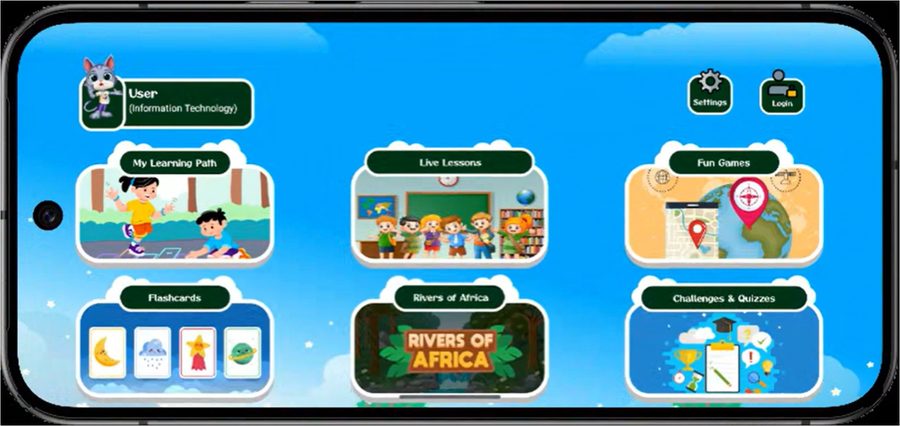
A Home Screen Built for Kids
Pupils pick My Learning Path, Fun Games, Flashcards and Challenges & Quizzes from one friendly screen.
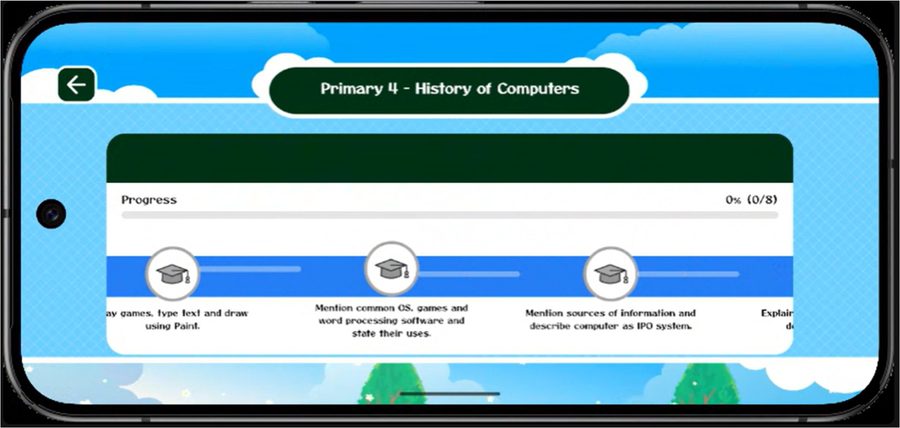
Progress Pupils Can See
Every unit — like Primary 4: History of Computers — tracks progress against clear learning goals.
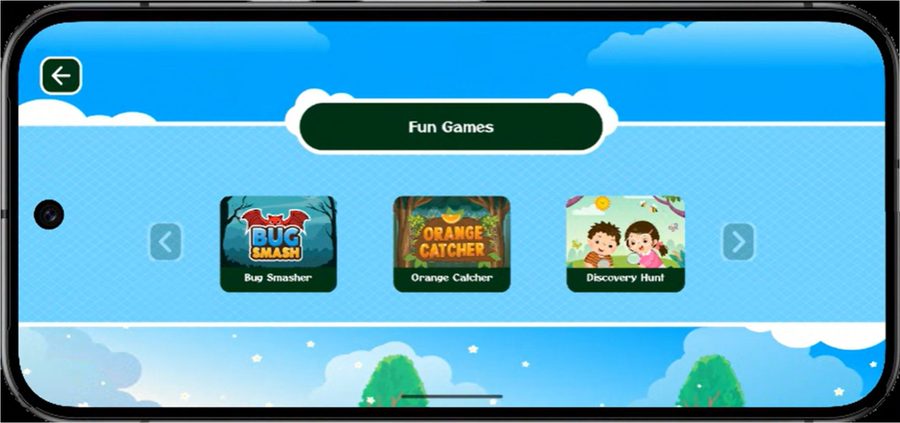
Fun Games
Bug Smasher, Orange Catcher and Discovery Hunt turn IT vocabulary into quick, playful challenges.
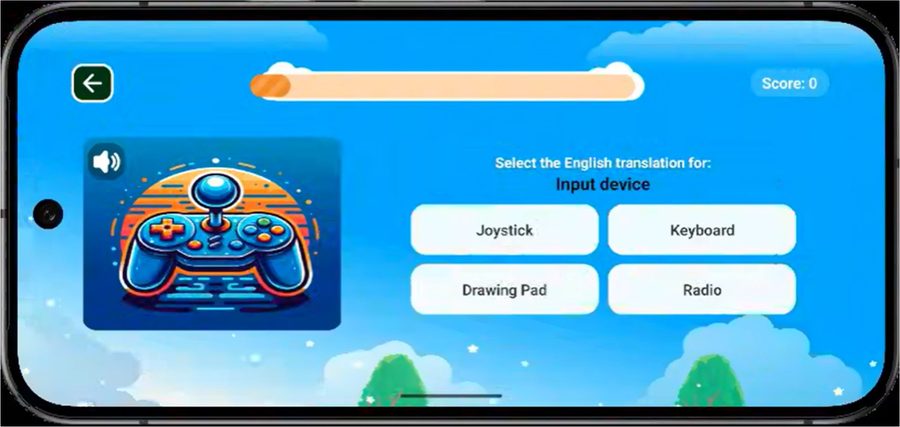
Learning Through Play
Catch the correct answer before time runs out — here, matching “Input Device” to Joystick.
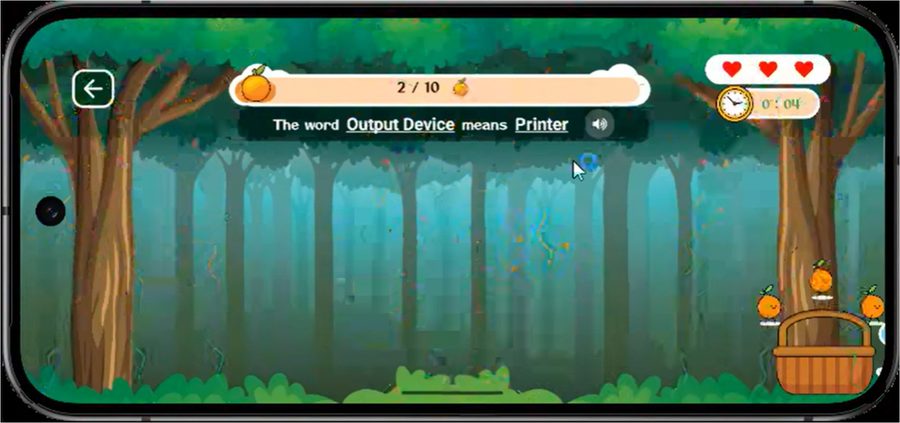
Hearts, Timers & Rewards
Hearts, a countdown timer and a growing basket of correct answers keep every round exciting.
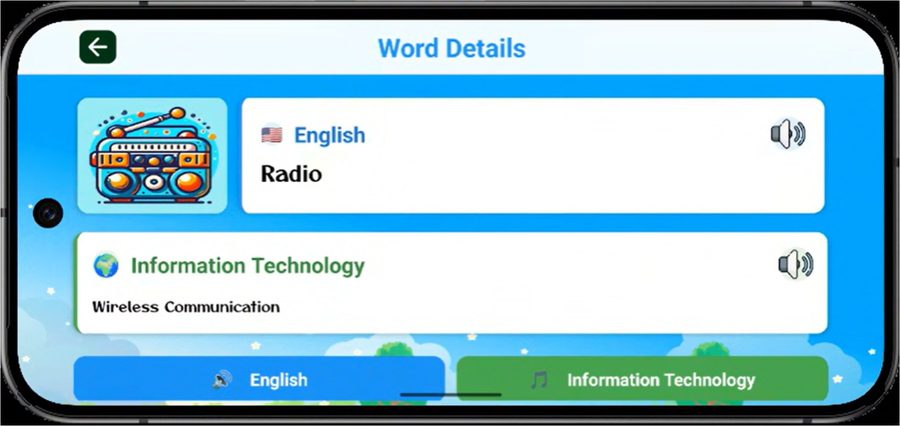
A Full Breakdown of Every Word
Each concept pairs its English term with the Information Technology meaning, plus audio playback.
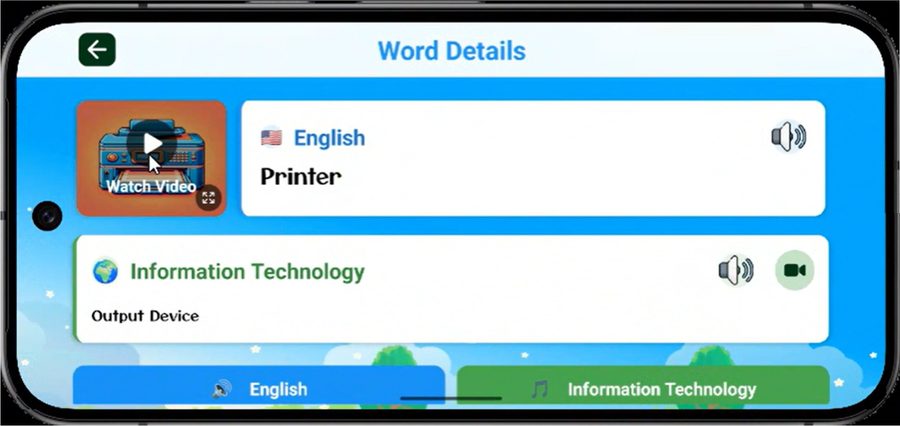
Short Videos Bring Words to Life
Many words come with a short video explainer pupils can watch and rewatch until it clicks.
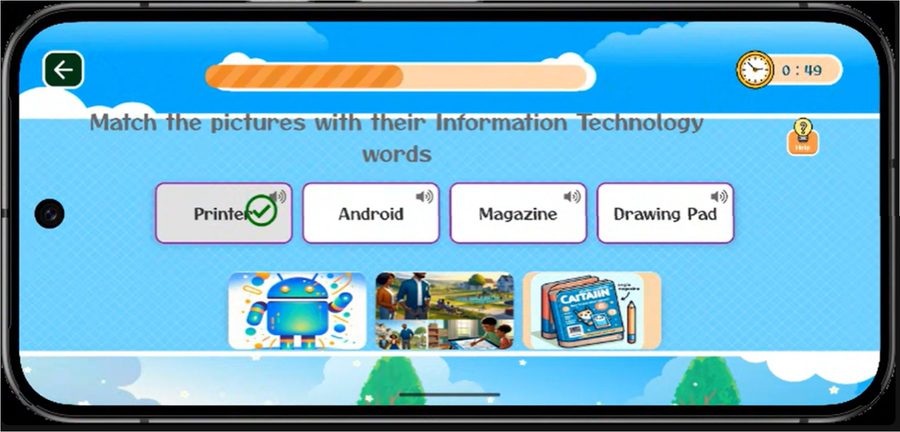
Match Pictures to Words
Pupils match pictures to their Information Technology words — Android, Magazine, Drawing Pad and more.
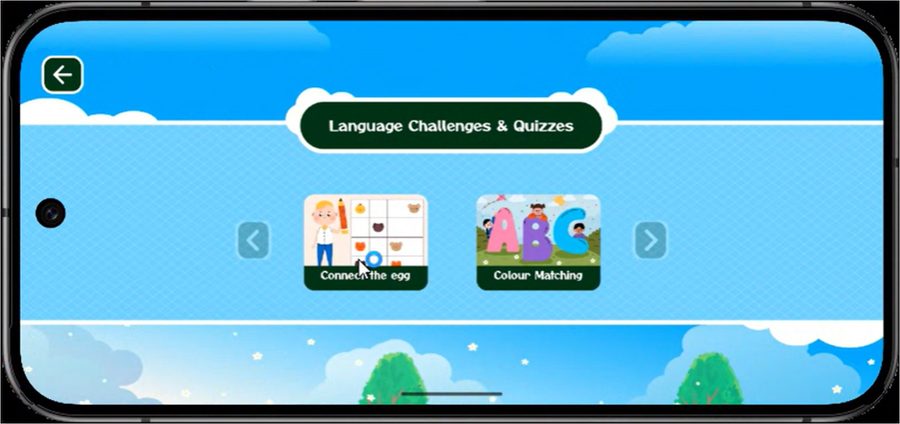
Language Challenges & Quizzes
Connect the Egg and Colour Matching add variety to vocabulary practice.
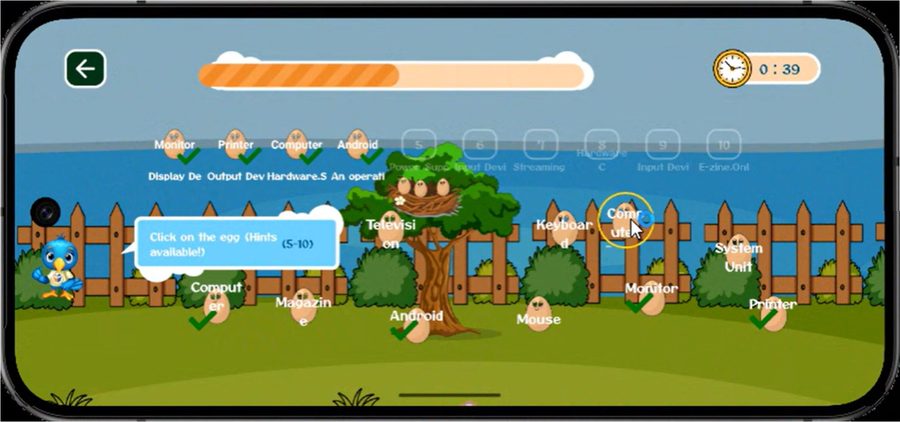
Connect the Egg
Pupils click on matching eggs hidden around the yard to reinforce new words.
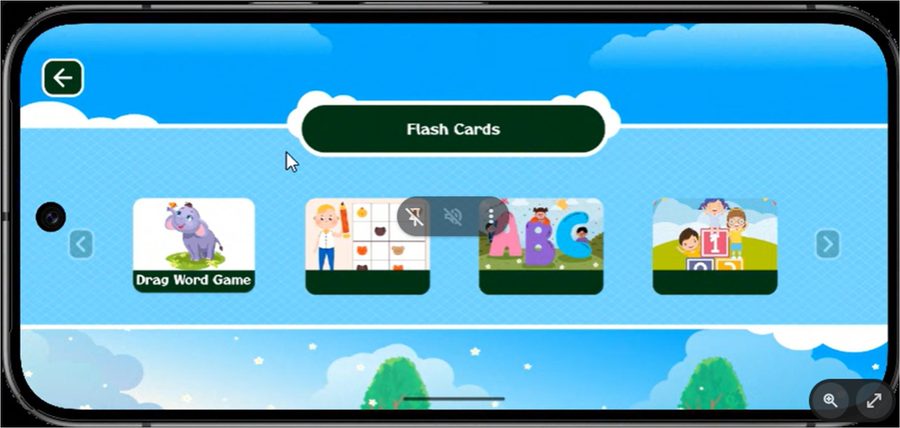
Flashcards
Flashcards, the Drag Word Game and ABC games make repetition feel like play, not homework.
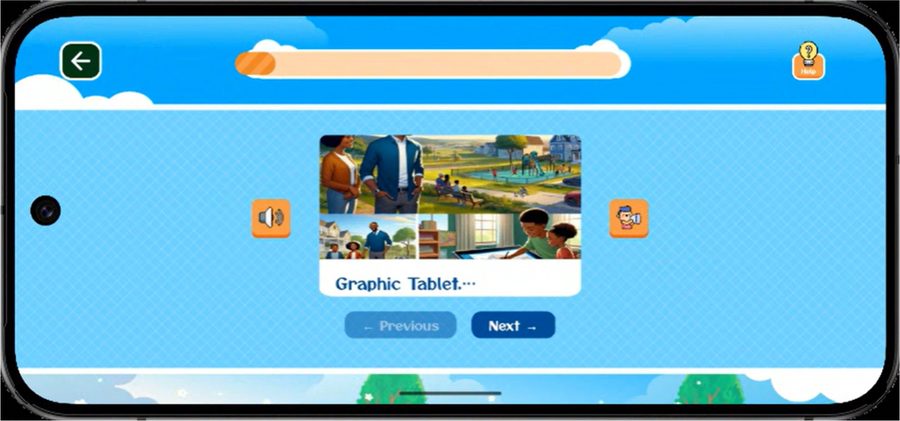
Real Pictures, Real Words
Each flashcard pairs a real-world photo with its IT term — swipe through with Next and Previous.
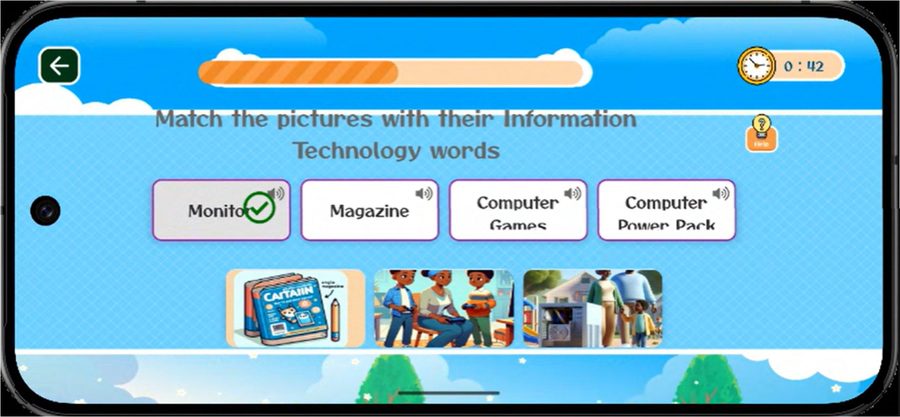
Pronunciation & Practice
Listen Word, Matching and DragName games build listening and recall together.
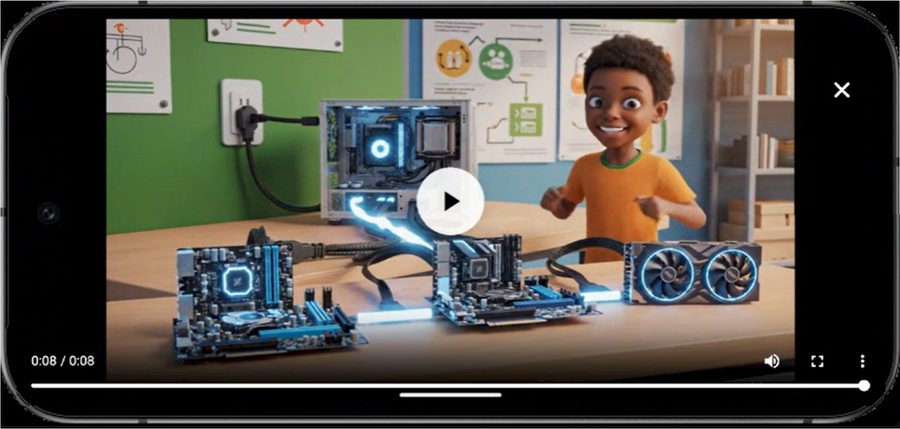
Animated Lessons
Bite-sized animated lessons — like this one on building a computer — bring concepts to life.
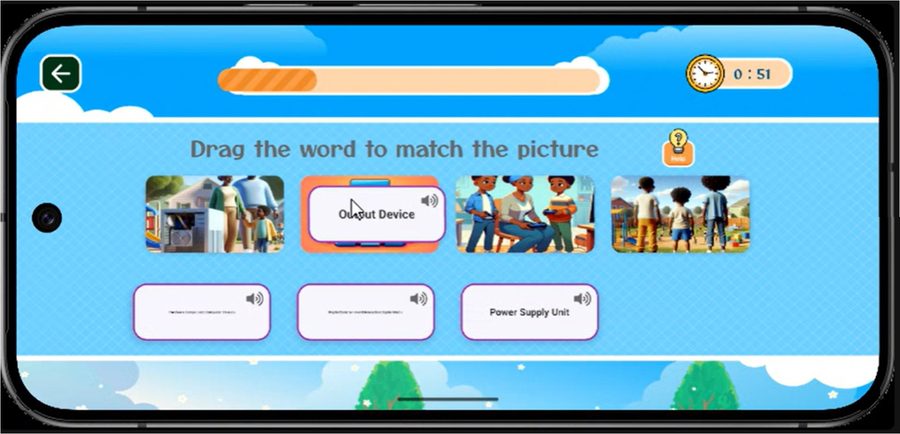
Drag & Drop Challenges
Drag the correct word onto its matching picture to complete the challenge.
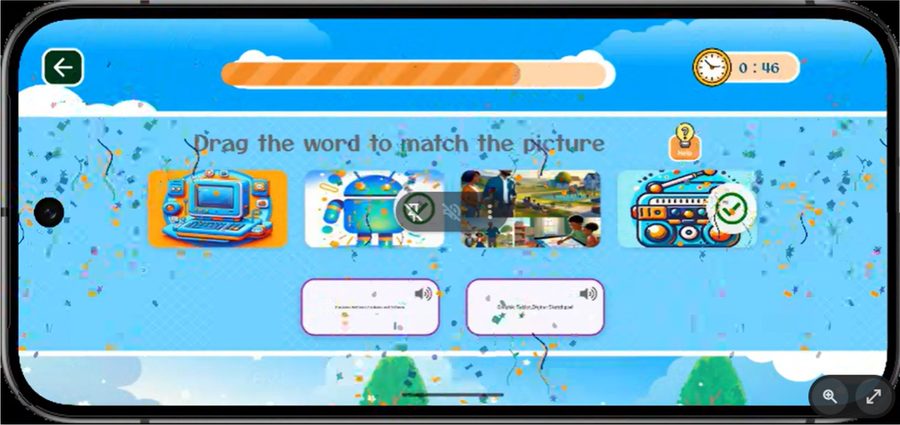
Every Win Gets Celebrated
Confetti and checkmarks celebrate every correct answer, keeping young learners motivated.
Every Lesson Reinforced Through Practice
- Identifying computer parts
- Matching devices to their uses
- Recognizing digital devices
- Identifying computer hardware
- Practicing basic software use
- Demonstrating booting procedures
- Understanding the Input-Process-Output model
Available on Mobile & Desktop
Lessons continue in the classroom and at home — with or without teacher supervision.
Mobile
Desktop
Support Tools Built Into the Classroom
DigiRoots gives teachers what they need to plan, deliver and follow up on every lesson.
Structured Lesson Sequences
Activity Guides
Progress Monitoring Tools
Assessment Reports
Progress You Can Measure, Not Just Guess At
Formative Assessment
Interactive quizzes, object identification tasks, matching exercises and short practice activities occur throughout every lesson.
Topic-Level Evaluation
At the end of each topic, learners complete a structured evaluation activity designed to assess understanding of key concepts.
Performance Tracking
The platform records lesson completion rates, quiz performance and skill mastery levels for every learner.
Mastery-Based Progression
Learners progress once they complete lesson activities, meet a minimum quiz score, and demonstrate understanding of core concepts.
Teacher Evaluation Support
Assessment reports help teachers evaluate outcomes, identify areas needing reinforcement, and support delivery in the classroom.
Ready to See It for Yourself?
Bring the full NERDC-approved curriculum to your school or community.